
AI Changed The Way I Learn

A few years ago, whenever I wanted to learn something new, I would open Google and start searching. One search would lead to another, then another, and before I knew it, I had ten different tabs open. Sometimes I found the answer I was looking for, but many times I ended up feeling more confused than when I started.
Things started to change when I began using AI tools. Instead of feeling overwhelmed or unsure where to start, I could get a clear explanation within seconds and continue learning from there. What I like most is that AI makes learning feel more like a conversation, allowing me to explore topics in a simpler and more comfortable way.
AI has not replaced learning for me. It has simply made learning faster and more accessible. I still read articles, blogs, and other resources, but AI often helps me understand things faster and gives me a better starting point. Whether I am exploring digital marketing, building a website, writing blog posts, or trying to understand a new concept, AI helps me get started quickly.
Over the past few months, these tools have become a regular part of my workflow. Each one serves a different purpose, and together they have helped me learn, create, and solve problems more efficiently than ever before.
This blog is where I document what I’m learning and the tools that genuinely help me along the way. If you’re new here, you can also read Why I Started This Blog to learn how this journey began.

Out of all the AI tools I use, ChatGPT is probably the one I spend the most time with. If I had to keep only one AI tool, it would most likely be ChatGPT. Over time, it has become a part of my daily routine and helps me with a lot more than just finding answers.
One of the biggest ways I use ChatGPT is for brainstorming and organizing my thoughts. Whenever I feel stuck or don’t know where to start, I open ChatGPT and start a conversation. It helps me turn random ideas into something more clear and structured.
It has also been a huge help while building jaskaransingh.blog. When I was learning Elementor, creating pages, and figuring out how WordPress works, I often had questions that seemed small but still slowed me down. Instead of spending hours feeling confused, I could ask ChatGPT and get guidance that helped me move forward.
The same thing happened while planning content for Gentle Wisdom. Whether I needed help with blog ideas, content structure, titles, or understanding a new concept, ChatGPT gave me a good starting point. Of course, I still make my own decisions, but having an AI tool that can help me think through problems has been incredibly useful.
What I like most is that it feels more like a conversation than a tool. If I don’t understand something, I can ask again in a simpler way. If I want to go deeper into a topic, I can continue the discussion without starting from scratch. For me, ChatGPT is not just an AI assistant—it’s a thinking partner that helps me learn, create, and keep making progress.
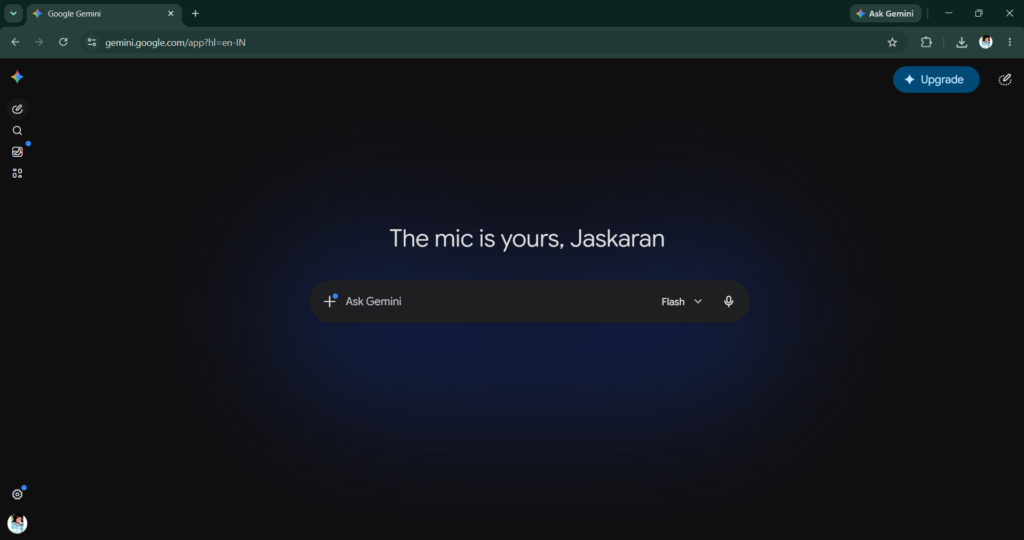
While ChatGPT is usually my first choice, there are times when I like to get a second opinion. That’s where Google Gemini comes in.
I often use Gemini when I want to compare answers or look at a topic from a different perspective. Sometimes two AI tools explain the same thing in different ways, and that helps me understand the topic better. Instead of relying on a single answer, I like seeing different viewpoints before making a decision.
Gemini has also been useful when I am researching ideas, learning something new, or exploring topics related to blogging and digital marketing. Even when the information is similar, a different explanation can sometimes make things much clearer.
I don’t use Gemini as often as ChatGPT, but I still find it valuable. Having access to more than one AI tool helps me avoid getting stuck in a single way of thinking. For me, Gemini is like having another person in the room who can offer a different opinion when I need it.
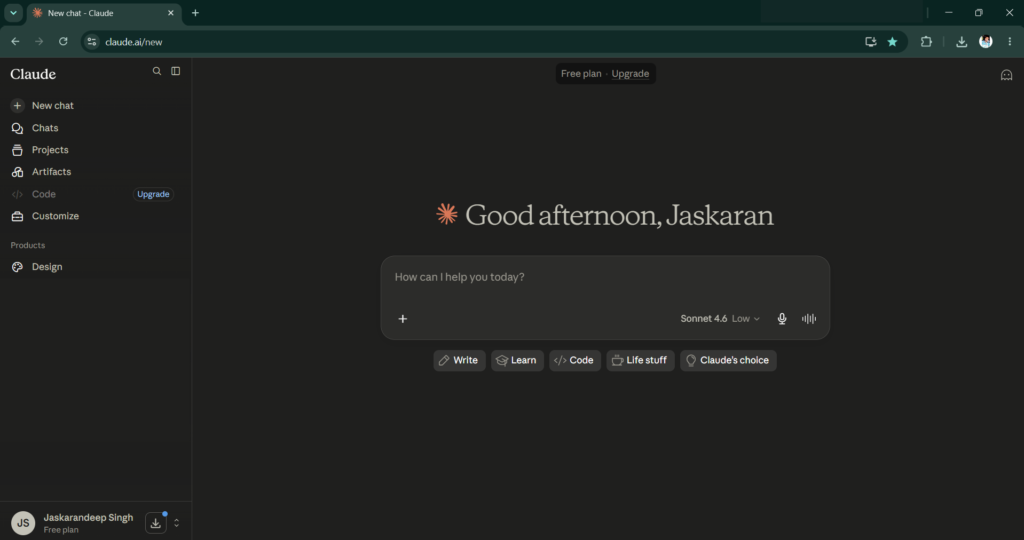
Claude is one of those AI tools that I don’t hear people talking about as often, but it has become one of my personal favorites. The first thing I noticed about Claude was its writing style. Its responses often feel natural, thoughtful, and easy to read.
Whenever I am working on longer pieces of content, I like using Claude to explore different ways of expressing an idea. Sometimes I already know what I want to say, but I struggle to put it into the right words. Claude AI helps me organize those thoughts and turn them into clearer writing.
I have also used Claude while working on content for Gentle Wisdom. Since the youtube channel focuses on calm, reflective, and meaningful content, I find that Claude’s writing style often matches that tone surprisingly well. It helps me think about ideas from a different angle and sometimes inspires me to improve my own writing.
What I appreciate most about Claude is that it doesn’t feel rushed. Whether I am writing, brainstorming, or simply exploring an idea, Claude AI often provides responses that feel detailed and thoughtful. For that reason, it has earned a permanent place in my workflow and remains one of my favorite AI tools.
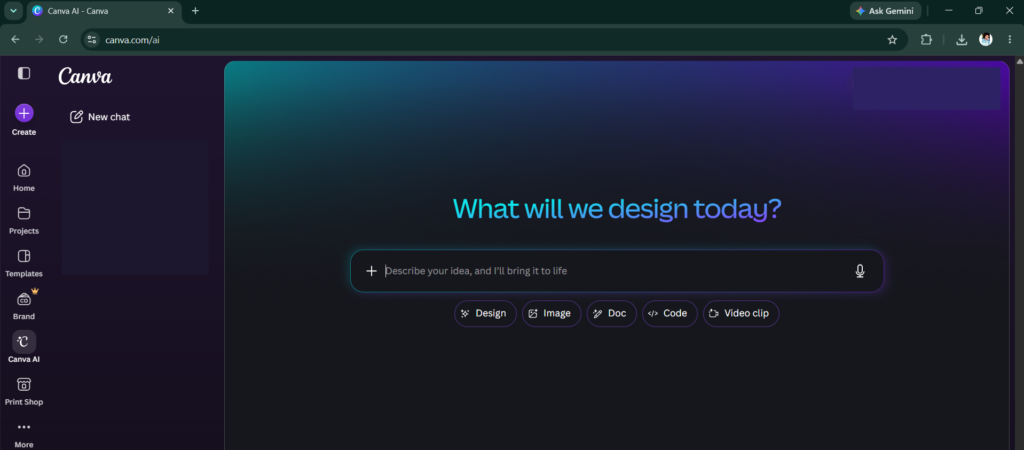
When I first started using Canva, I only wanted a simple tool for creating designs and templates. At that time, I had no idea how important it would become in my workflow. Over time, Canva turned into one of the tools I use the most.
One of the biggest reasons I like Canva is that it makes design feel simple. You don’t need to be a professional designer to create something that looks clean and visually appealing. Whether it’s a blog image, social media post, or YouTube thumbnail, Canva makes the entire process much easier.
Canva has been especially helpful while working on Gentle Wisdom. What started as creating a few simple designs eventually turned into making YouTube Shorts and visual content for the channel. The platform offers so many templates and creative options that it often gives me ideas I wouldn’t have thought of on my own.
Another feature I really enjoy is Canva AI. It has helped me generate images, improve designs, and experiment with different creative ideas much faster than before. Instead of starting from a blank page, I can use AI tools and templates as a starting point and then make them my own.
If ChatGPT helps me organize my thoughts, Canva helps me bring those ideas to life visually. From thumbnails and blog graphics to content for Gentle Wisdom, Canva has saved me countless hours and made the creative process much more enjoyable.

Suno AI is probably one of the most interesting AI tools I have used. Unlike most AI tools that focus on writing, research, or productivity, Suno AI does something completely different—it creates music.
The first time I tried it, I was honestly surprised by the results. The idea that a simple prompt could turn into a complete song felt almost unbelievable. What makes Suno AI enjoyable is that it allows you to experiment with different styles, moods, and ideas without needing any music production skills.
I don’t use Suno AI as often as some of the other tools on this list, but whenever I do, it feels creative and fun. It gives me a chance to explore ideas in a completely different way and reminds me that AI is not only about work and productivity.
What I like most about Suno AI is that it makes music creation accessible to everyone. You don’t need expensive software or technical knowledge to start experimenting. You simply bring an idea, and the tool helps turn it into something you can actually listen to.
For me, Suno AI stands out because it shows a different side of artificial intelligence—one that is focused on creativity, experimentation, and having fun.
MagicLight AI – An Underrated Tool I Enjoy Using
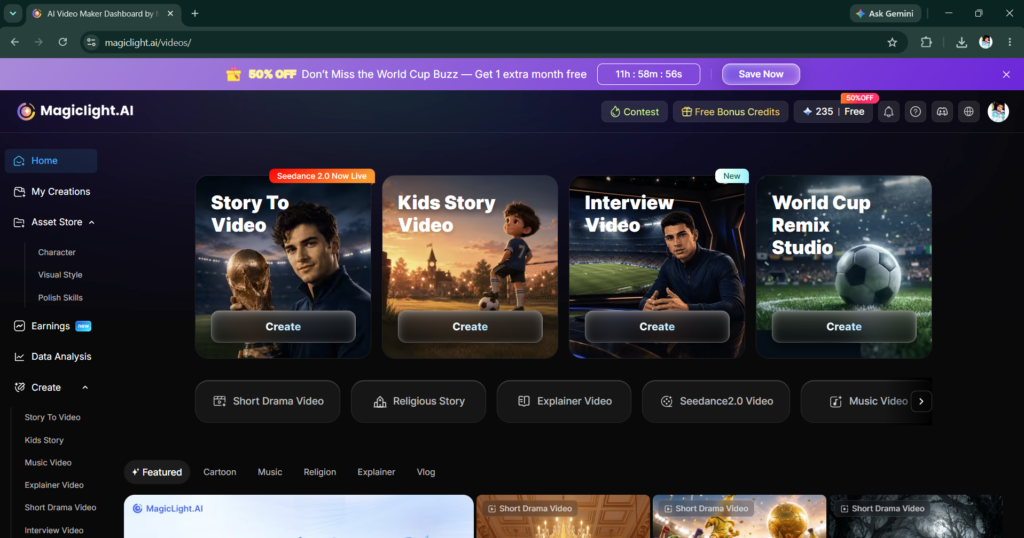
MagicLight AI is probably the most underrated tool on this list. While many people talk about popular AI tools, I rarely see anyone mentioning MagicLight AI, which is one of the reasons I wanted to include it here.
What I like about MagicLight AI is that it allows ideas to become something visual. Instead of simply reading or writing content, I can see concepts take shape in a more creative way. That makes the experience feel different from most AI tools I use.
The first time I explored MagicLight AI, I was curious to see what it could do. After spending some time with it, I realized that it offered a unique creative experience that I wasn’t getting from other tools. It encouraged me to experiment with ideas and look at content from a different perspective.
I also appreciate how easy it is to get started. You don’t need advanced technical skills or a complicated setup to begin exploring what the tool can do. That simplicity makes it enjoyable to use, especially when I just want to experiment and see where an idea goes.
MagicLight AI may not be as well-known as some of the bigger names in the AI space, but it has definitely earned a place in my toolkit. For anyone who enjoys exploring new creative tools, I think it’s worth checking out.
Which Tool Do I Use The Most?
Every tool on this list serves a different purpose, so it is difficult to compare them directly. Some help me write, some help me design, and others help me explore new ideas. However, if I had to rank them based on how often I use them, my list would probably look something like this:
- ChatGPT
- Canva
- Claude
- Google Gemini
- Suno AI
- MagicLight AI
The reason ChatGPT and Canva are at the top is simple—they have become part of my regular workflow. Whether I am learning something new, organizing ideas, creating designs, or working on a project, these are usually the first tools I open.
Claude and Gemini come next because they offer different perspectives and help me think through ideas in different ways. Meanwhile, Suno AI and MagicLight AI are tools I use more for creativity and experimentation.
That ranking could easily change in the future as new tools appear and existing ones improve. The AI space moves incredibly fast, and one of the most exciting things about it is discovering tools that you never expected to become useful.
Final Thoughts
If there is one thing I have learned from using AI tools, it is that no single tool can do everything. Each tool has its own strengths, and the real value comes from knowing when and how to use them.
These tools have helped me learn faster, organize my thoughts, solve problems, and explore ideas that I might not have explored otherwise. At the same time, I don’t think AI replaces curiosity, creativity, or human thinking. It simply makes certain parts of the process easier.
The six tools in this article are not necessarily the best AI tools for everyone. They are simply the ones that have become useful in my own journey and workflow. As technology continues to evolve, this list may change, and I will probably discover new tools along the way.
For now, these are the AI tools I keep coming back to, and they have all played a role in helping me learn, create, and grow. If you have a favorite AI tool that isn’t on this list, I’d love to discover it too.